
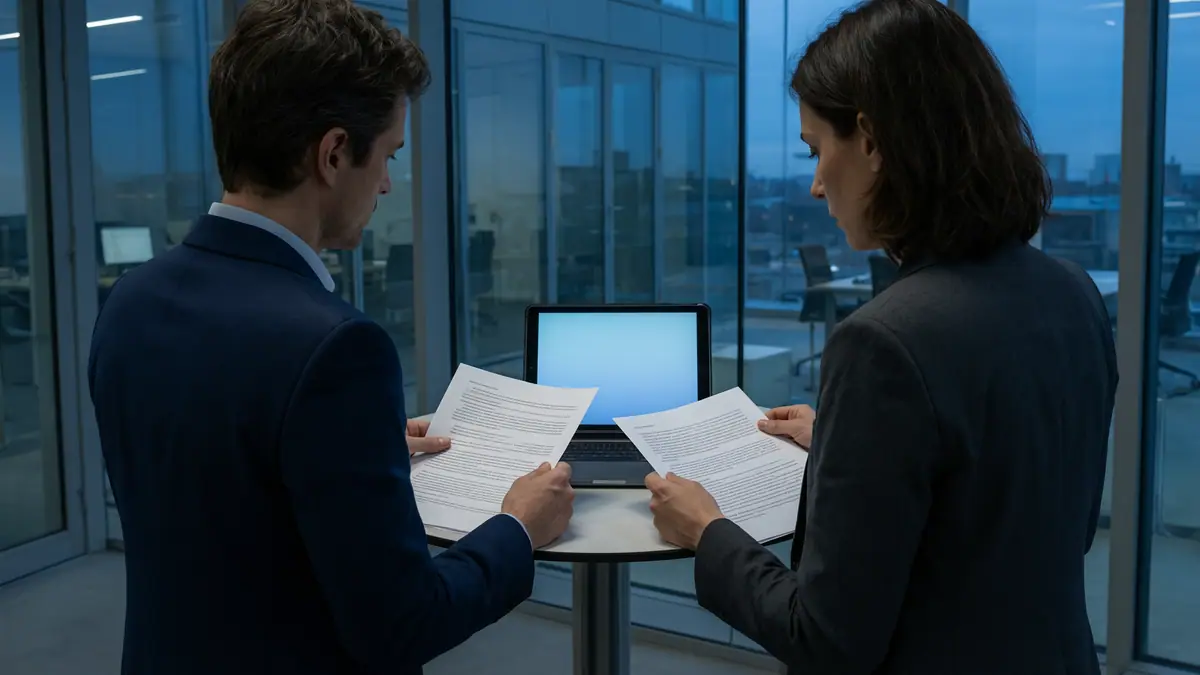
Secure file sharing with clients
Tax returns, medical notes, settlement drafts and payroll files still travel as email attachments every day. Most of the time nothing goes wrong. When it does, it is a privacy incident. Here is how to choose the right method for each kind of file without making clients jump through hoops.
Reviewed by the ITRS security team · Last updated
Why email attachments are risky
PIPEDA's Principle 4.7 (Safeguards), in Schedule 1, requires security safeguards appropriate to the sensitivity of the information, including technological measures such as encryption. Many provincial laws say the same thing. For lawyers in Ontario, the Law Society's commentary to Rule 3.1-2 says a lawyer should understand the benefits and risks of relevant technology, recognizing the duty to protect confidential information.
- Misdirected email: an autocomplete picks the wrong "Sarah" and a client file goes to a stranger. This is one of the most common privacy incidents in professional practices.
- Copies everywhere: every attachment is copied into the sender's Sent Items, the recipient's mailbox, phones, backups and sometimes forwarded further. You cannot pull it back.
- Compromised mailboxes: if either side's mailbox is taken over, years of attachments are exposed at once.
- No expiry: an attachment stays readable forever, long after the engagement ends.
- Weak transport in some cases: email between providers is usually encrypted in transit, but that is not guaranteed for every recipient's server.
Options: portals, secure links and encrypted email
| Method | How it works | Strengths | Weaknesses |
|---|---|---|---|
Client portal | Clients sign in to a dedicated site to upload and download | Strong control, audit trail, two-way exchange, fits ongoing relationships | Clients need an account; one more login |
Secure sharing links (SharePoint/OneDrive, Google Drive) | Link to a file that requires the named recipient to sign in or enter a one-time code | No attachment copies; expiry and revocation; works with existing Microsoft 365 or Workspace | Settings must be right; 'anyone' links undo the protection |
Encrypted email (for example Microsoft Purview Message Encryption) | Message and attachments encrypted; recipient verifies identity to open | Familiar to clients; one-off sensitive messages | Recipient experience varies; still a copy in the mailbox |
Password-protected file by email | Encrypted ZIP or PDF, password sent separately | Better than nothing for occasional use | Weak if the password goes in the same email or is reused |
Choosing by sensitivity
Tie the method to your data classification so staff don't have to decide from scratch every time.
| Information | Examples | Suggested method |
|---|---|---|
Public | Brochures, published reports | Email attachment is fine |
Internal / routine client | Engagement letters, meeting notes | Email or secure link |
Confidential | Financial statements, tax returns, contracts, HR files | Secure link to named recipient or client portal |
Highly sensitive | Health information, SINs, privileged litigation material, ID documents | Client portal or encrypted email; never a plain attachment |
Client experience
If the secure method is painful, clients will email you files anyway, and staff will reply with attachments. Choose a method clients can use from a phone, explain it once at the start of the engagement, and give them a short how-to. Offer a secure way for clients to send you files too: an upload link or portal folder, so they stop emailing their own SINs and bank statements.
For older or less technical clients, a phone call to walk them through the first secure link solves most problems. Avoid methods that require clients to install software.
Retention and access expiry
- Set sharing links to expire by default, for example after 30 days, with a longer period only when needed.
- Remove client access to portal folders when an engagement or matter closes.
- Apply your retention schedule to the shared copies as well as your master files; delete what you are no longer required to keep.
- Review guest users and external sharing quarterly.
- Keep the audit trail of what was shared, with whom and when. If something goes wrong, it shows exactly what was exposed.
Setup checklist
Classify
Agree which client information is confidential or highly sensitive.
Pick your methods
One standard for everyday files, one for highly sensitive material.
Configure sharing
Disable 'anyone' links for client data, default to specific people, set expiry and View-only by default.
Turn on encrypted email
Give staff a simple way to encrypt a message, and consider rules that encrypt automatically when sensitive data is detected.
Reduce misdirected email
Turn off or trim autocomplete for external addresses, and add an external-recipient warning.
Train and tell clients
A one-page guide for staff and a short note for clients at onboarding.
Questions we hear
For occasional, moderately sensitive files, if the password is strong and sent by a different channel. For regular exchanges of sensitive information, a portal or secure link is better.
Give them an easy upload option at the start of the engagement, and remind them gently when they email sensitive files.
Not always. Microsoft 365 or Google Workspace configured properly covers many firms. Dedicated portals suit high volumes or regulated clients.
Related reading.
- PracticePrivacy, Data Governance & AIPIPEDA and Quebec Law 25 readiness, data mapping, breach notification and AI governance.
- GuideLocking down SharePoint and OneDrive external sharingOut of the box, Microsoft 365 lets staff share files with almost anyone. That is convenient until a confidential folder link turns up in the wrong inbox.
- GuideWhat to do if personal information was emailed to the wrong personMisdirected email is one of the most common ways personal information ends up where it shouldn't.
- GuideData classification policy for small organizationsA simple four-level scheme, with handling rules for each level, lets staff make the right call on sharing, storage and email without a manual, and maps straight onto…
- ArticlePIPEDA's safeguards principle in practicePIPEDA says personal information must be protected by security safeguards appropriate to its sensitivity.
Not sure what your obligations require of your systems?
Speak with our privacy practice. We are staffed 24/7. Active incident? Call (289) 582-9930, 24/7.